Themes for every kind of app
16 hand-tuned themes for AI, social, video, music, shopping, travel, education and productivity apps. Each one comes in 3 color variants, or you can start blank.
You can’t stop shipping.
At least ship beautifully.
Turn raw screenshots into a polished App Store and Google Play set in minutes, right in your browser.
Shipframe works best on a computer. Send yourself the link and pick up there.
Same three screens, one theme, about a minute of work. Drag the handle to compare.
Not another Figma. Just the parts that make screenshots look good.
16 hand-tuned themes for AI, social, video, music, shopping, travel, education and productivity apps. Each one comes in 3 color variants, or you can start blank.
Design once, export them all.
1320 × 28682853 × 20071398 × 20341284 × 27781242 × 22082064 × 27521080 × 19201440 × 2560iPhone, iPhone Duo, Android and iPad frames in five finishes. Move your pointer here to tilt it.
16 curated fonts. Wrap a word in stars to highlight it.
Exports are flat RGB PNGs, so App Store Connect accepts every one. Learn why →
Everything renders on your device. Your unreleased screens never leave your browser.



 Smart replies
Ratings, review cards, chips and 86 glossy 3D objects. Place them anywhere, even across two slides.
Undo, snapping, copy and paste between slides, and autosave in your browser.
Mesh gradients, linear blends, grain, patterns or your own photo. Stretch one background across every slide.
Use screenshots from the Xcode Simulator, Android Studio, or straight from your phone.
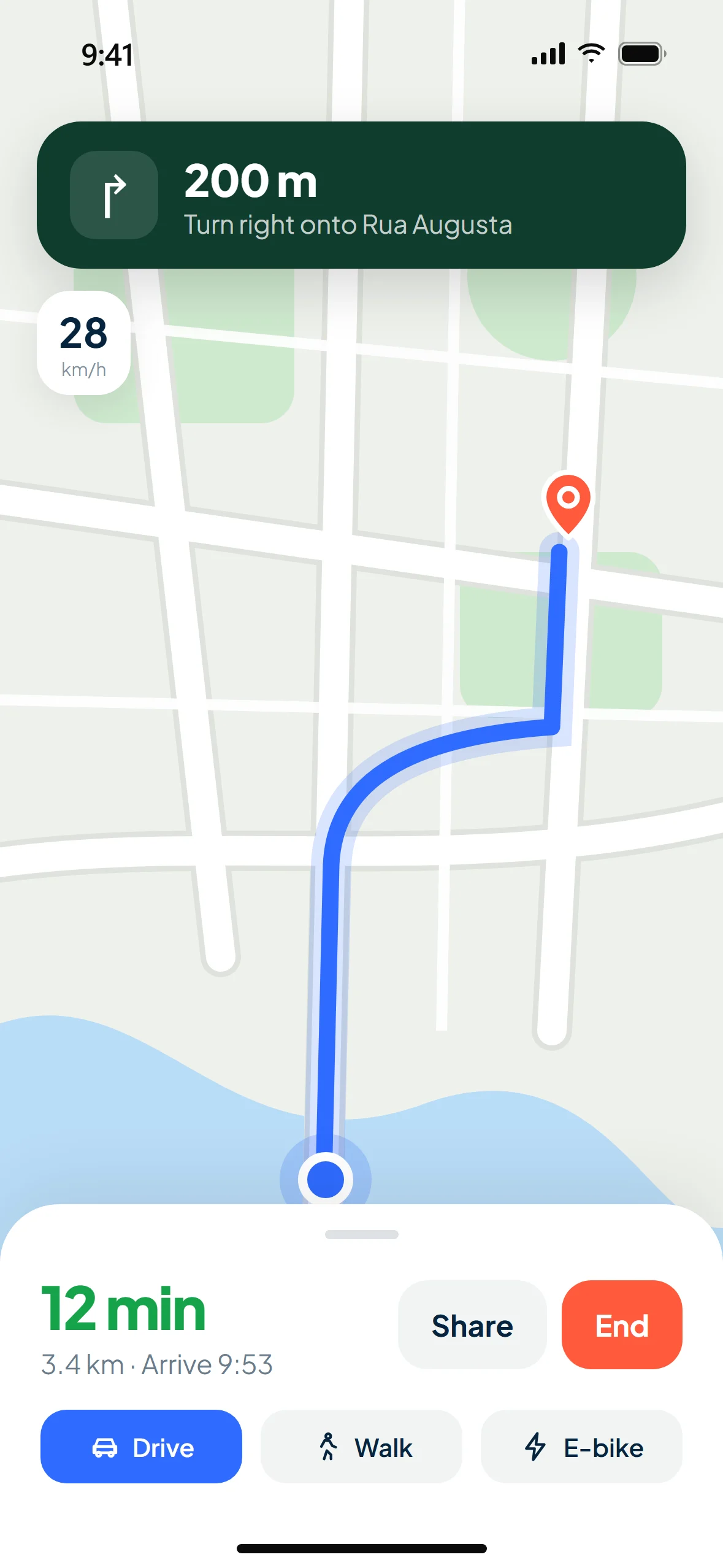
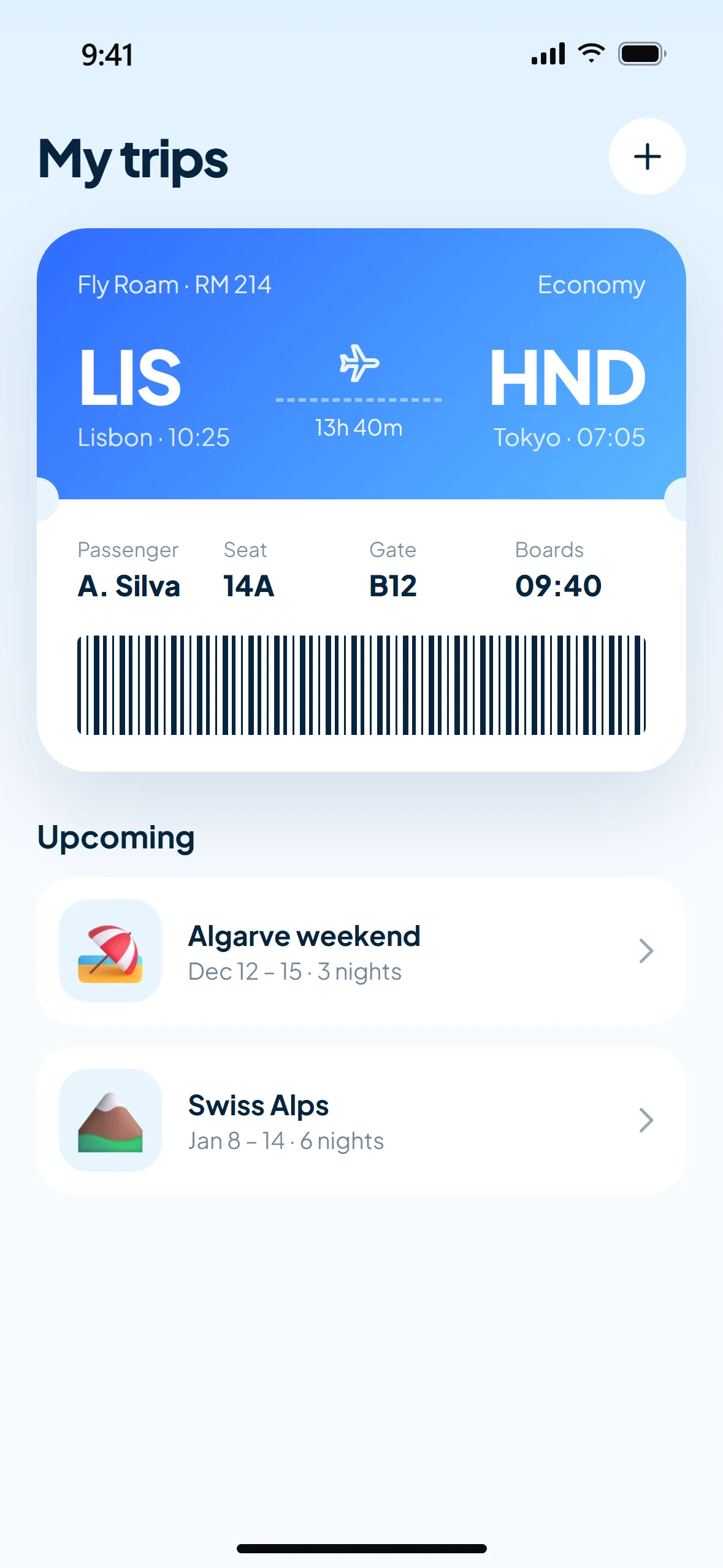
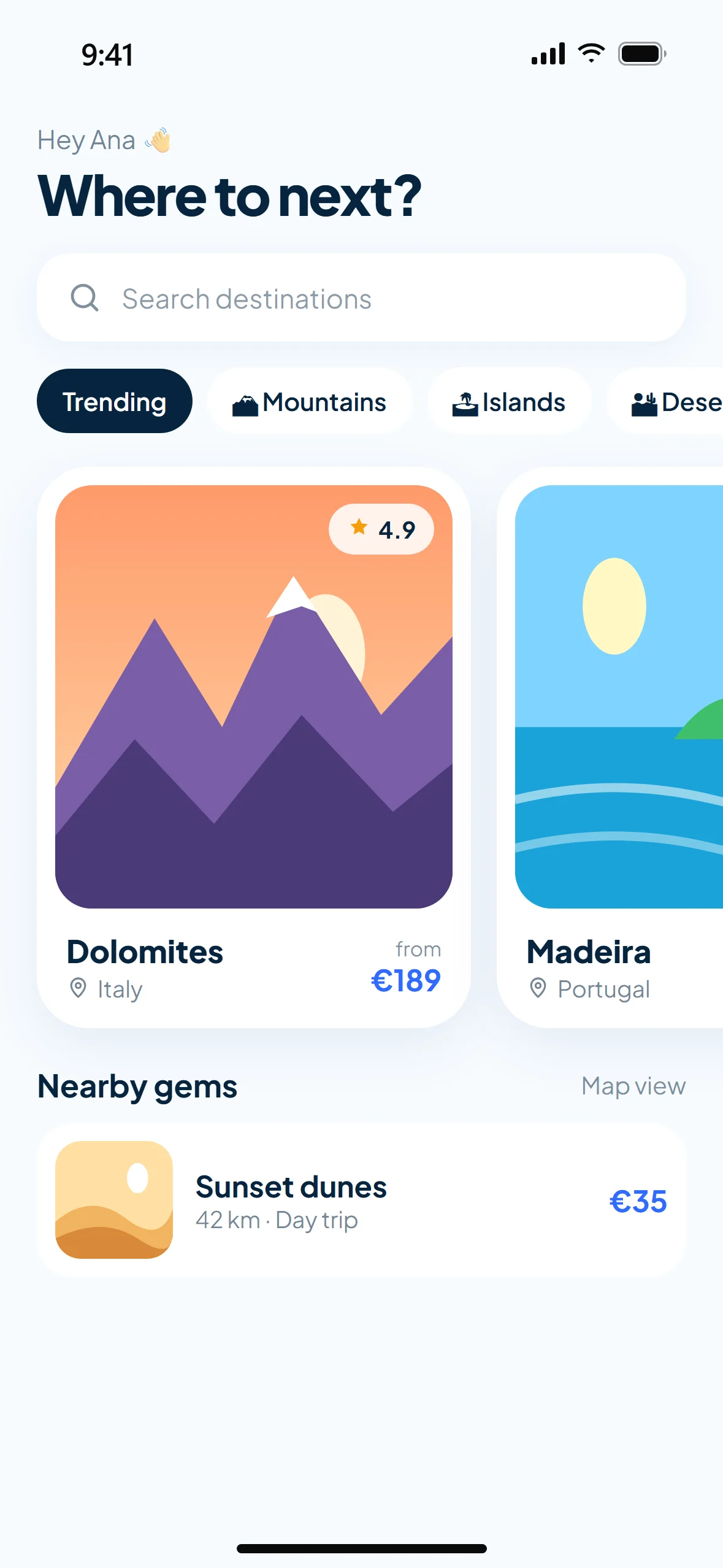
Drag them onto the page. Each one lands inside a phone frame.
Change headlines, colors, fonts, devices and elements. Every layer stays editable.
One click gives you every App Store and Google Play size in a ZIP, ready to upload.
Shipping your first app with AI? Look like a studio from day one.
Five apps live and an update every week. Refresh your screenshots in minutes.
Store-ready sets for every client app, with no design handoff.
No subscription. Pay once and use it for every app you ship.
Try every theme and feature. Export one size with a small watermark.
Start for freeEverything in Free, ready for the store. Your license key arrives by email instantly.
Get ProiPhone 6.9″ (1320×2868), iPhone Duo open (2853×2007, landscape) and folded (1398×2034), iPhone 6.5″ (1284×2778), iPhone 5.5″ (1242×2208), iPad 13″ (2064×2752), Android phone (1080×1920) and Android tablet (1440×2560). See the size guide →
Yes. Shipframe exports flat RGB PNGs with no alpha channel at the exact pixel sizes Apple and Google accept, so you won’t see the “images can’t contain alpha channels” upload error.
No. Pick a theme, drop in your screenshots and change the words. The layout, frames and colors are already done for you.
Yes. Apple wants landscape screenshots for the open iPhone Duo, so Shipframe lays every slide out in landscape automatically and exports 2853×2007, plus 1398×2034 for the folded outer screen.
Yes. Choose Start blank at the top of the Themes panel to get plain slides with empty phones, then build your own look.
No. Everything renders in your browser. Your images stay on your device.
Your license key arrives by email right after checkout. Paste it into the editor once and Pro stays unlocked in that browser.
No. Pro is $19 once. If it isn’t right for you, email us within 14 days for a full refund.
Free to start. No signup. About a minute to your first set.
Make your screenshots